
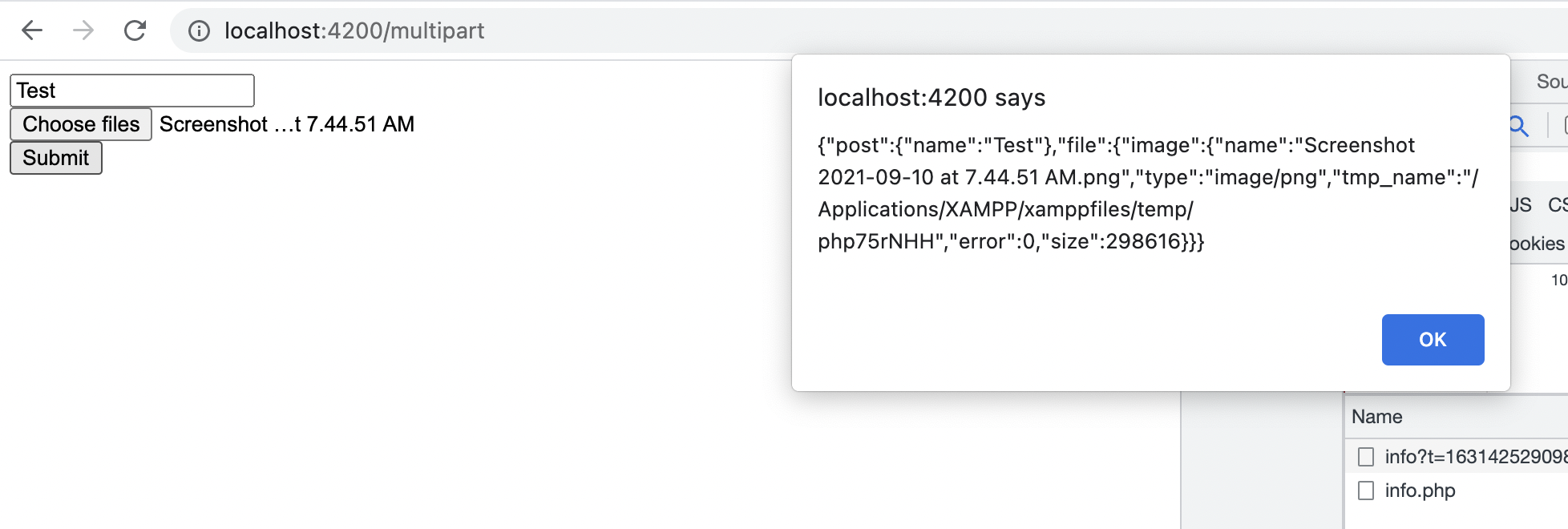
A file input doesn't integrate cleanly into a reactive form's normal FormControl value the way a text input does — the selected file needs to be captured from the DOM event directly and assembled into a FormData object before being sent as a multipart request.
The form setup
this.form = this.fb.group({
    title: ['', Validators.required],
    description: [''],
});

selectedFile: File | null = null;
The template
Capturing the selected file
onFileSelected(event: Event): void {
    const input = event.target as HTMLInputElement;
    if (input.files && input.files.length > 0) {
        this.selectedFile = input.files[0];
    }
}
The file input's selected file is captured from the native DOM change event, entirely separate from the reactive form's own value — this is the fundamental reason file uploads need this extra handling step that a normal text field never does.
Assembling FormData and submitting
onSubmit(): void {
    if (this.form.invalid || !this.selectedFile) {
        return;
    }

    const formData = new FormData();
    formData.append('title', this.form.value.title);
    formData.append('description', this.form.value.description);
    formData.append('file', this.selectedFile, this.selectedFile.name);

    this.http.post('/api/uploads', formData).subscribe({
        next: () => console.log('Upload successful'),
        error: (err) => console.error('Upload failed', err),
    });
}
Sending a FormData object with Angular's HttpClient automatically sets the correct multipart/form-data content type with the proper boundary string — manually setting the Content-Type header yourself actually breaks this, since the boundary parameter needs to be generated to match the actual data being sent.
Tracking upload progress
this.http.post('/api/uploads', formData, {
    reportProgress: true,
    observe: 'events',
}).subscribe(event => {
    if (event.type === HttpEventType.UploadProgress && event.total) {
        const percentDone = Math.round((100 * event.loaded) / event.total);
        this.uploadProgress = percentDone;
    } else if (event.type === HttpEventType.Response) {
        console.log('Upload complete');
    }
});
reportProgress: true combined with observe: 'events' is what surfaces incremental upload progress events — without both options set, the request only ever emits its final completed response, with no visibility into progress along the way.
Validating file type and size before upload
onFileSelected(event: Event): void {
    const input = event.target as HTMLInputElement;
    const file = input.files?.[0];

    if (file) {
        if (!file.type.startsWith('image/')) {
            this.fileError = 'Please select an image file';
            return;
        }
        if (file.size > 5 * 1024 * 1024) {
            this.fileError = 'File must be smaller than 5MB';
            return;
        }
        this.selectedFile = file;
        this.fileError = null;
    }
}
Checking type and size client-side gives immediate feedback before an unnecessary upload attempt — following the same principle covered for other client-side validation on this site, the server still needs to enforce these same limits independently, since this client-side check is bypassable.