
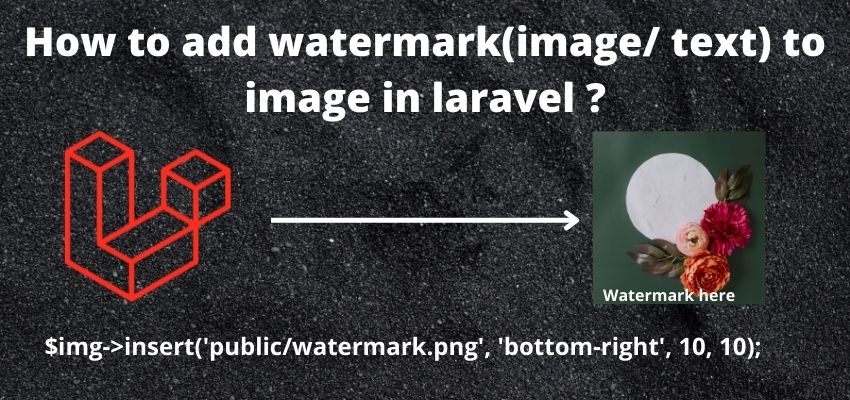
Adding a text or image watermark to an uploaded photo — common for a stock photo site or any content where unauthorized reuse is a concern — is handled in Laravel through the intervention/image package's positioning and overlay methods.
Adding a text watermark
use Intervention\Image\Laravel\Facades\Image;

$image = Image::read($request->file('image'));

$image->text('© My Company', $image->width() - 150, $image->height() - 20, function ($font) {
    $font->size(16);
    $font->color('#ffffff');
});

$image->save(storage_path('app/public/products/watermarked.jpg'));
Calculating the position based on $image->width() and $image->height() (rather than hardcoded pixel values) is what correctly places the watermark near the bottom-right corner regardless of the specific uploaded image's actual dimensions.
Adding an image-based watermark (a logo)
$image = Image::read($request->file('image'));
$watermark = Image::read(storage_path('app/logo-watermark.png'));

$image->place($watermark, 'bottom-right', 20, 20);

$image->save(storage_path('app/public/products/watermarked.jpg'));
place() overlays one image onto another at a named position (like bottom-right) with an optional offset — a logo-based watermark, using a semi-transparent PNG, generally looks more polished than plain overlaid text for a branded watermark.
Controlling watermark opacity
$watermark = Image::read(storage_path('app/logo-watermark.png'));
$watermark->opacity(50); // 50% transparent

$image->place($watermark, 'bottom-right', 20, 20);
A partially transparent watermark is generally less visually intrusive on the underlying photo while still being clearly present — full opacity can make a watermark distractingly prominent, especially over a busy or detailed part of the image.
Applying a watermark automatically on every upload
public function store(Request $request)
{
    $request->validate(['image' => 'required|image|max:5120']);

    $image = Image::read($request->file('image'));
    $watermark = Image::read(storage_path('app/logo-watermark.png'));
    $watermark->opacity(50);
    $image->place($watermark, 'bottom-right', 20, 20);

    $filename = uniqid().'.jpg';
    $image->toJpeg(quality: 85)->save(storage_path('app/public/products/'.$filename));

    Product::create(['image' => $filename]);
}
Applying the watermark before saving, as part of the same upload flow, guarantees every stored image already has it baked in — rather than watermarking as a separate later step, which risks some images accidentally being served without it if that step is ever skipped or fails silently.
A tiling watermark pattern, for stronger protection against cropping
for ($x = 0; $x < $image->width(); $x += 200) {
    for ($y = 0; $y < $image->height(); $y += 150) {
        $image->place($watermark, 'top-left', $x, $y);
    }
}
A single corner watermark can be cropped out relatively easily — tiling it repeatedly across the whole image (as shown) makes the watermark much harder to remove by simple cropping, at the cost of being visually more intrusive across the entire photo.