
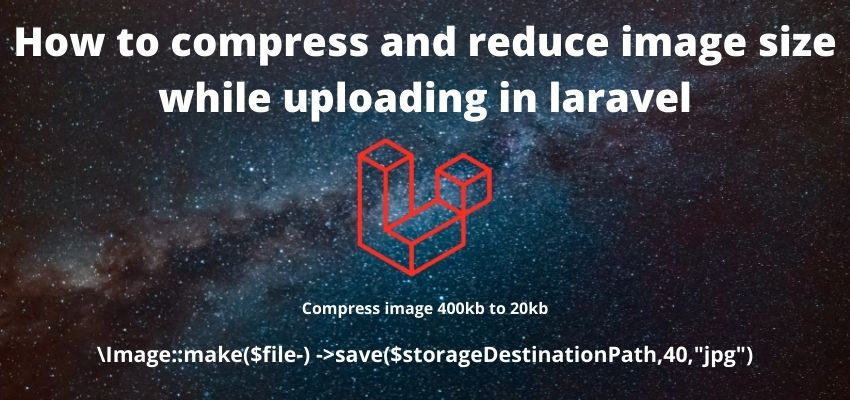
Users uploading full-resolution photos straight from a phone camera can easily push multi-megabyte files into your storage and slow down every page that displays them — compressing on upload keeps file sizes reasonable without necessarily changing the image's dimensions.
Using Intervention Image
composer require intervention/imageuse Intervention\Image\Laravel\Facades\Image;
public function store(Request $request)
{
$request->validate(['photo' => ['required', 'image', 'max:10240']]);
$image = Image::read($request->file('photo'));
$path = 'uploads/'.uniqid().'.jpg';
Storage::disk('public')->put($path, (string) $image->toJpeg(75));
}toJpeg(75) re-encodes the image as JPEG at 75% quality — lossy compression that reduces file size significantly with a usually-unnoticeable quality tradeoff at that level. Lower values save more space at the cost of visible compression artifacts.
Compression vs. resizing — two separate levers
Reducing JPEG quality shrinks file size without changing pixel dimensions — the image looks the same size on screen but has less fine detail. Resizing actually reduces the pixel dimensions themselves. For most web use cases, doing both — resizing to the actual maximum display size needed, then compressing — gets a much smaller file than either alone:
$image = Image::read($request->file('photo'))
    ->scaleDown(width: 1600); // never upscale past the original

Storage::disk('public')->put($path, (string) $image->toJpeg(80));
Why quality 75-85 is the usual sweet spot
JPEG compression artifacts become noticeably visible below roughly 60-70% quality for photographic images, while the file-size savings between 85% and 100% quality are large relative to the barely-perceptible visual difference. 75-85% is where most image-heavy applications land for a good size/quality balance — but this is a starting point to check visually against your own images, not a universal constant.
Modern formats: WebP and AVIF
For new projects, WebP (broadly supported) or AVIF (newer, even better compression, slightly less universal support) typically produce meaningfully smaller files than JPEG at equivalent visual quality — worth using instead of JPEG for a new upload pipeline where browser support requirements allow it.